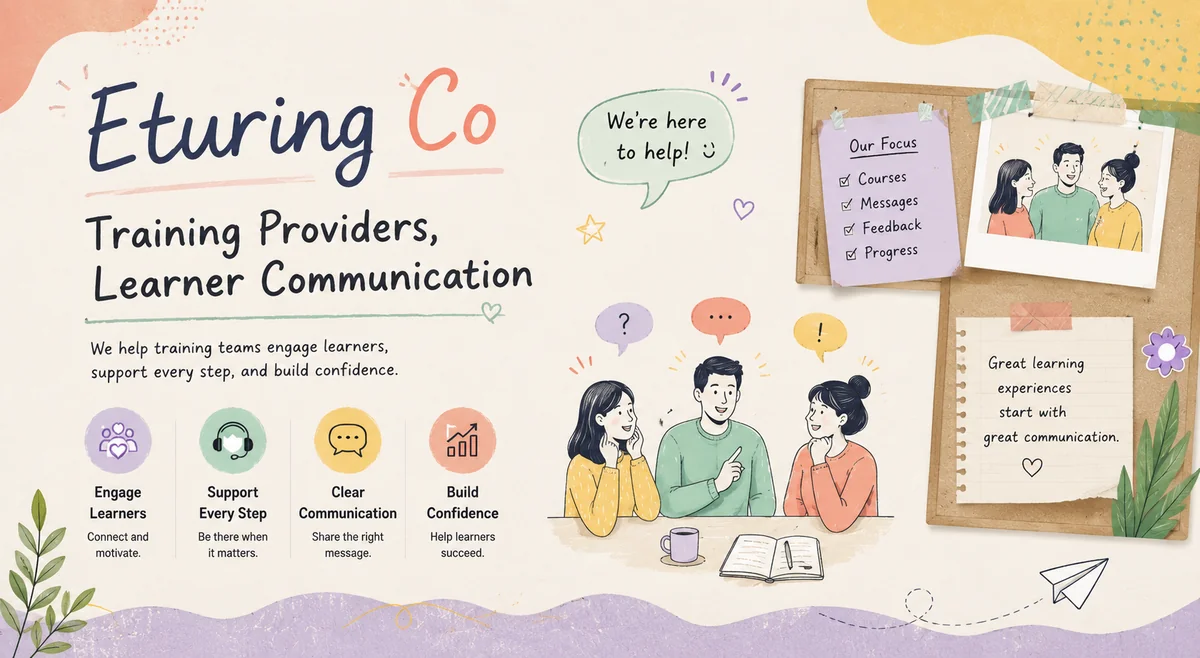
Enhanced Communication and Organisation
A well-designed learner portal is essential for improving communication between training providers and learners, enabling seamless information exchange and facilitating more effective learning outcomes. The introduction of a learner portal can significantly enhance the enquiry handling process within training providers, allowing them to better manage learner inquiries and reduce the administrative burden on their staff. By providing a centralised online platform for learners to access course information, submit enquiries, and track their progress, training providers can streamline their operations and improve the overall learning experience. This can be achieved by implementing features such as self-service functionality, automated response systems, and real-time reporting dashboards. As a result, trainers can focus on more strategic activities, while also providing learners with a more efficient and responsive service.
Key Considerations
When considering the implementation of a learner portal for communications training, it is essential to weigh the benefits against potential drawbacks. A well-designed portal can streamline communication with learners, provide a central hub for course materials and resources, and facilitate tracking of progress and completion rates. On the other hand, integration with existing Learning Management Systems (LMS) may require significant technical expertise and investment. Moreover, the cost of maintenance and updates must also be factored into any decision-making process. By carefully evaluating these key considerations, training providers can make an informed choice about whether a learner portal is right for their organisation.
Practical Steps
To reap the full benefits of a learner portal for communications, training providers must take practical steps to implement and maintain this digital tool. Firstly, they should establish clear policies and guidelines for learner access and data protection, ensuring that all personal information is safeguarded in accordance with relevant regulations. Next, they will need to configure the portal's content and functionality to meet their specific communication training needs, including creating customised course materials and assessments. Regular maintenance and updates are also crucial to prevent technical issues and ensure seamless user experience. By taking these practical steps, training providers can create a robust and user-friendly learner portal that enhances their communications training offerings.
How to use a learner portal for clearer communication
A portal earns its place only when it removes friction rather than adding another login to ignore. Decide first what belongs there: timetables, materials, assessment dates, results and a single message thread per learner. Keep anything time-critical, such as a cancellation, on a channel the learner already checks, and use the portal as the reliable record. The goal is one place where a learner can always find the current answer, so staff stop re-sending the same documents.
A worked example
A provider moves its scattered email attachments into a portal where each learner sees their own timetable, joining instructions and progress. Repeat requests for "can you resend the joining link?" fall sharply because the link never expires from the portal. Staff still email reminders, but those emails now point to the portal rather than carrying attachments that get lost in inboxes.
Common mistakes to avoid
- Putting urgent notices only in the portal, where learners may not look in time.
- Duplicating information between email and portal until the two disagree.
- Making the portal so complex that learners give up and email anyway.
- Never archiving old cohorts, so the portal becomes cluttered and slow.
Portal communication checklist
- Define exactly what lives in the portal versus email.
- Keep one authoritative copy of each document.
- Use email or text for urgent items, portal for the record.
- Review and archive completed cohorts regularly.
Why a portal helps only when it reduces friction
The promise of a learner portal is a single, reliable home for everything a learner needs. The reality, for many providers, is another underused login that duplicates email and adds confusion. The difference comes down to whether the portal removes friction or adds it. A portal earns its keep when it becomes the place a learner instinctively checks for their timetable, materials and results, and when staff can point to it instead of re-sending the same attachments for the tenth time. It fails when information is scattered between it and email, when urgent notices are buried where no one looks in time, or when it is so complex that learners give up. Used well, a portal turns repetitive administrative communication into self-service, freeing staff for the conversations that genuinely need a human. The technology matters far less than the discipline of keeping one authoritative copy of each thing.
Frequently Asked Questions
In today's fast-paced education landscape, effective communication with learners is key to successful course delivery, so take a moment to review your organisation's learner engagement strategies regularly. — Editor, Eturing Co